Why Dental Practices Are Adding Deposit Payments to AI Receptionist Workflows
A request is becoming increasingly common when dental practices configure their AI receptionist: can it send the patient a deposit link before confirming the appointment? For many practices, the answer is now yes.
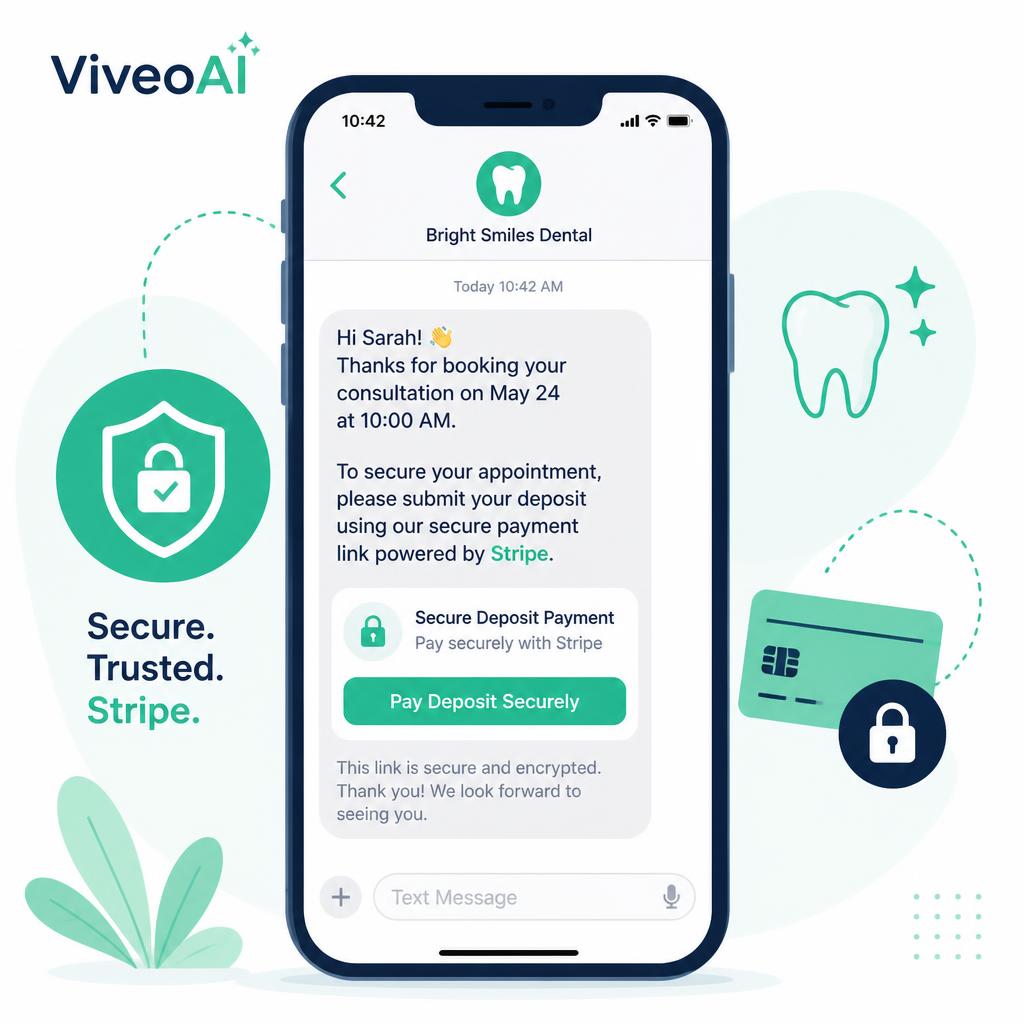
A dental AI receptionist for dental practices can handle the initial conversation, identify the correct appointment or consultation, collect the required patient details and send a secure Stripe deposit link by SMS or WhatsApp.
Once the payment is completed, the appointment workflow can continue and the practice can receive confirmation that the patient has paid.
This is not about making it more difficult for patients to book. It is about creating a clearer commitment at the point when valuable clinical time is reserved.
A booking is not always a committed appointment
A booking is not always a committed appointment.
A patient may sound enthusiastic on the telephone and fully intend to attend. But circumstances change.
The patient may continue contacting other practices. They may forget the appointment, reconsider the cost or simply fail to place enough importance on a booking that required no financial commitment.
For a dental practice, the result is the same:
- An empty surgery
- Lost clinical time
- Lost revenue
- A team member trying to fill the appointment at short notice
- Another patient who could have used the slot
A deposit creates an additional point of commitment between the initial enquiry and the appointment itself.
It turns:
"Yes, that time should suit me"
into:
"I have secured this appointment and intend to attend."
Why practices are requesting deposit payments
Dental practices are not introducing deposits simply to collect money earlier. They are trying to solve several operational problems at once.
Reducing avoidable no-shows
A patient who has paid a deposit is generally more likely to remember the appointment, engage with reminders and contact the practice if they need to reschedule.
Deposits cannot eliminate every missed appointment, but they can reduce the number of valuable appointments being reserved without a meaningful commitment.
Protecting high-value clinical time
Implant consultations, Invisalign appointments, cosmetic dentistry consultations and longer new-patient examinations may require considerable time from clinicians and the wider team.
When one of these appointments is missed, the cost is often much greater than the value of the deposit itself.
Applying the policy consistently
Reception teams can find deposit policies difficult to enforce consistently, especially during busy periods.
One receptionist may send the payment link immediately. Another may intend to send it later. A third may confirm the appointment before payment because several patients are waiting at the desk.
An automated workflow applies the agreed rule every time.
Supporting out-of-hours bookings
A patient may contact the practice during the evening, at the weekend or while the reception team is occupied.
The AI receptionist can still explain the next step, collect the required information and send the payment link without requiring a team member to follow up manually.
How the deposit workflow can operate
The exact process should be configured around the practice's existing policies, but a typical workflow may look like this:
- The patient calls to request an examination or consultation.
- The AI receptionist identifies whether the patient is new or existing.
- It confirms the type of appointment required.
- It checks the practice's booking and deposit rules.
- It collects and confirms the patient's details.
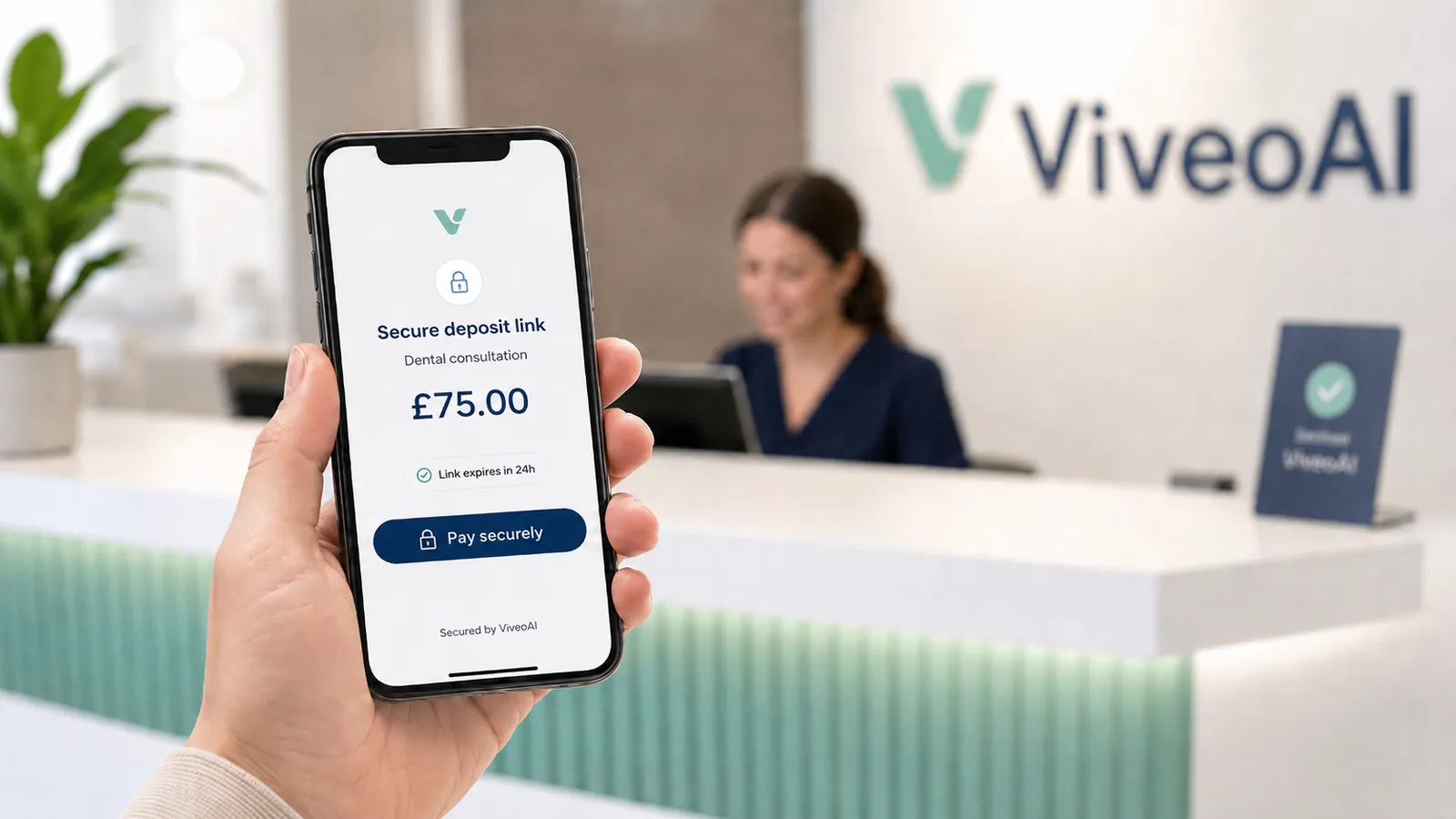
- The patient receives a secure Stripe payment link by SMS or WhatsApp.
- The payment is completed on the secure payment page.
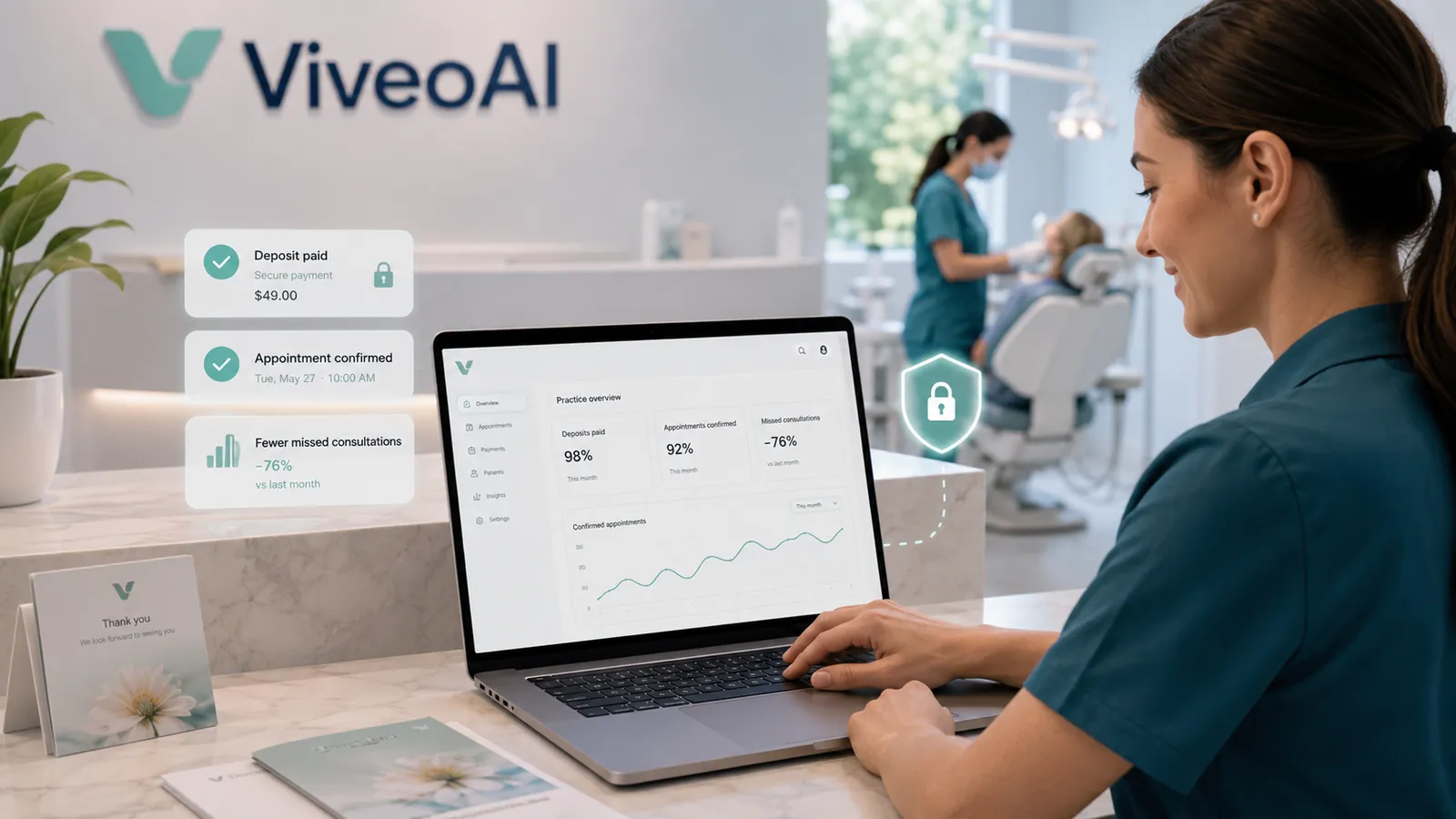
- The practice receives confirmation that the deposit has been paid.
- The appointment is confirmed or the booking workflow continues.
The AI receptionist does not need to ask for card details during the call.
The patient completes the payment through the secure link, using the payment methods enabled by the practice through Stripe.
SMS or WhatsApp?
SMS is often the simplest default because it works on almost every mobile telephone and does not require the patient to use a particular messaging application.
The message can be concise:
Thank you for booking with the practice. Please use the secure link below to pay your appointment deposit and confirm your booking.
WhatsApp can provide a more conversational experience where the practice has an approved WhatsApp Business setup and the patient has agreed to receive messages through that channel.
For example, the AI receptionist could send:
- A deposit-payment link
- Confirmation that the payment was received
- Appointment details
- Relevant forms
- Cancellation information
- Follow-up instructions
The best channel depends on the practice's systems, patient preferences and messaging setup. Some clinics may use SMS as standard and WhatsApp only where the patient has requested it.
Not every appointment requires the same rule
A successful dental deposit workflow should not treat every appointment identically.
The practice may choose different rules for:
- New-patient examinations
- Emergency appointments
- Implant consultations
- Invisalign consultations
- Cosmetic dentistry consultations
- Hygiene appointments
- Long restorative appointments
- Sedation appointments
- Treatment requiring laboratory preparation
The deposit may be:
- A fixed amount
- A percentage of the appointment or treatment cost
- Fully refundable with sufficient notice
- Transferable to a rescheduled appointment
- Deducted from the final treatment fee
- Forfeited following a late cancellation or failure to attend
The AI receptionist should follow the practice's approved policy rather than creating its own rules.
Worked example
New patient implant enquiry
A new patient calls in the evening to ask about dental implants. The AI receptionist answers the initial questions it has been authorised to handle and offers a suitable consultation.
The practice requires a £50 deposit before implant consultations are confirmed.
The AI receptionist:
- Confirms the patient's name and mobile number
- Explains that the deposit secures the consultation
- Confirms that it will be applied according to the practice's agreed policy
- Sends the Stripe payment link by SMS
- Records the outcome of the call
- Updates the workflow when payment succeeds
If the payment is not completed, the appointment can remain provisional or be referred to the reception team, depending on the practice's rules. The process remains clear for the patient and visible to the practice.
The real value is not simply sending a link
Any receptionist can manually copy and paste a payment link. The greater value comes from connecting the payment step to the wider appointment workflow.
A properly configured dental AI receptionist can help ensure that:
- The correct deposit is requested for the correct appointment
- The link is sent to the verified mobile number
- The patient receives clear instructions
- Payment status is recorded
- Unpaid deposits are identified
- The reception team knows when follow-up is required
- The appointment is not incorrectly treated as confirmed
- The practice's cancellation policy is communicated consistently
This reduces the number of disconnected manual steps involved in moving a patient from enquiry to confirmed appointment.
What happens if the patient does not pay?
This should be decided by the dental practice before the workflow goes live.
Possible options include:
- Sending one automated reminder
- Holding the appointment provisionally for a defined period
- Releasing the appointment if payment is not received
- Creating a callback task for the reception team
- Allowing an authorised team member to override the rule
- Treating urgent appointments differently from routine bookings
The AI should not invent an exception simply because the caller objects to the deposit.
It should explain the approved policy clearly and refer the patient to the practice team where human discretion is required.
Deposits should support the patient journey
A poorly explained deposit can feel like an obstacle.
A well-designed deposit workflow should make the reason clear:
- The payment secures valuable clinical time
- The amount is applied according to the practice's policy
- The patient receives immediate confirmation
- Rescheduling and cancellation terms are explained
- The process is secure and straightforward
The tone matters. The AI receptionist should not sound suspicious or imply that the practice expects the patient to miss the appointment.
It should present the deposit as a normal part of securing the requested booking.
What dental practices need to decide
Before adding deposit payments to an AI receptionist workflow, the practice should confirm:
- Which appointments require a deposit
- The deposit amount for each appointment
- Whether the appointment is provisional until payment
- How long the patient has to complete payment
- Whether reminders should be sent
- The cancellation and refund policy
- Whether deposits can be transferred
- How emergency appointments should be handled
- Who deals with payment disputes or exceptions
- What information should be recorded in the practice system
Clear rules create a better experience for patients, reception teams and clinicians.
How ViveoAI supports dental deposit workflows
ViveoAI can be configured around the specific booking and payment rules of each dental practice.
Depending on the practice's systems and agreed workflow, the AI receptionist can:
- Handle treatment and consultation enquiries
- Identify the appropriate appointment pathway
- Collect and confirm patient information
- Send secure Stripe deposit links
- Deliver links through SMS or supported WhatsApp workflows
- Track whether the required step has been completed
- Provide the reception team with a clear call outcome
- Support appointment confirmation and follow-up processes
You can see a full overview of these capabilities on the ViveoAI features page.
The deposit step becomes part of the patient journey rather than another task waiting in the reception inbox.
The bottom line
Dental practices are increasingly looking beyond whether an AI receptionist can simply answer a call. They want it to complete useful administrative work.
Sending a secure deposit link at the correct point in an examination or consultation workflow is a practical example. It helps turn an initial enquiry into a more committed appointment, protects valuable clinical time and reduces the amount of manual follow-up required from the reception team - including the volume of missed dental calls that need to be chased back later in the day.
Deposits will not prevent every cancellation or no-show.
But when the process is clear, consistent and automated, they can help dental practices reduce avoidable gaps and create a more dependable booking journey.
Turn More Enquiries into Confirmed Appointments
See how ViveoAI can answer patient calls, support appointment booking and send secure deposit-payment links as part of your practice workflow.