Can You Interrupt Your AI Receptionist? A Simple Test for a Better Patient Experience
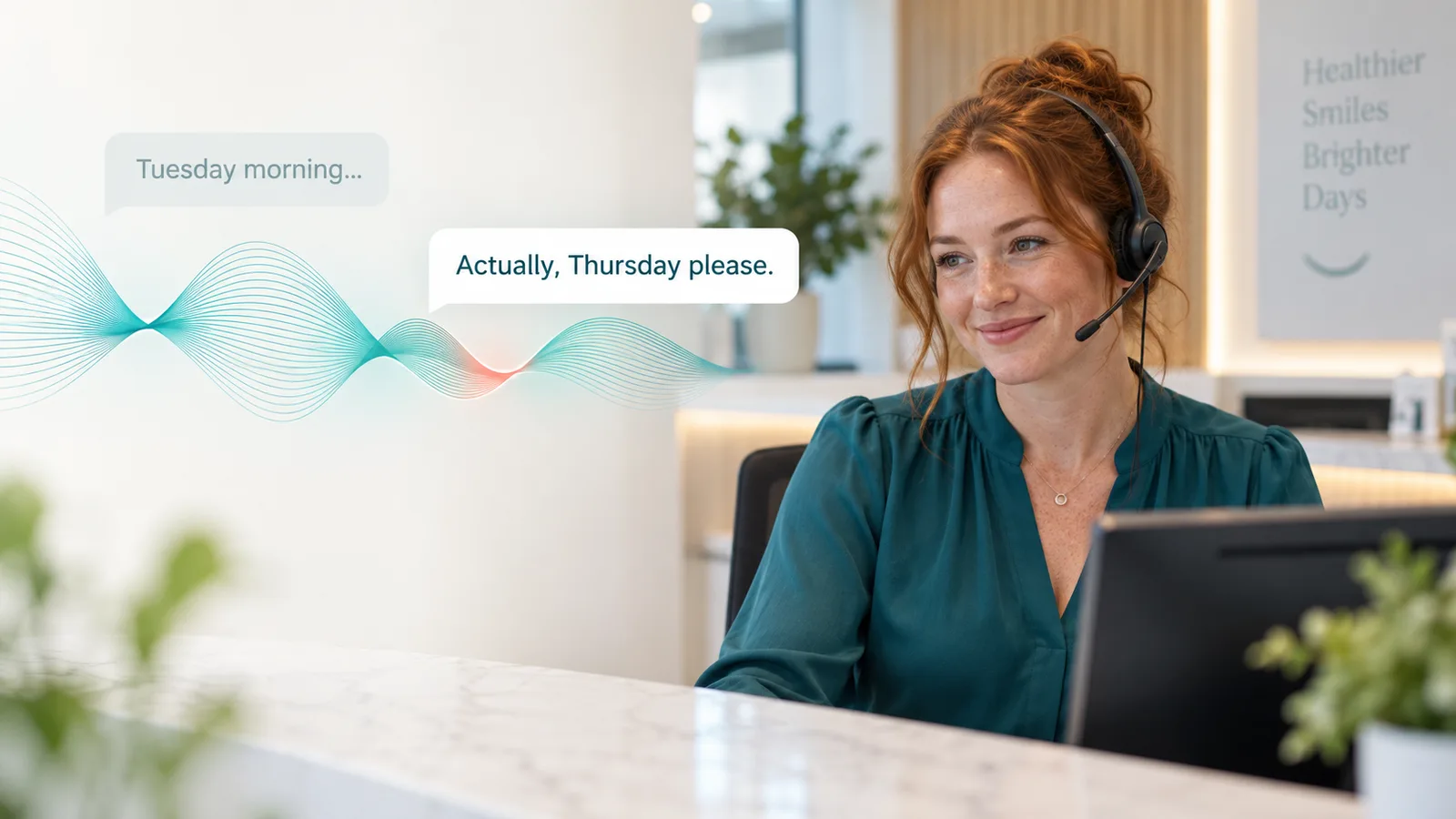
“Tuesday morning would be perfect—actually, sorry, I work Tuesdays. Do you have anything on Thursday?”
It is an ordinary sentence. For an AI receptionist, it is also a revealing test.
Does it follow the correction and look for Thursday? Does it carry on discussing Tuesday? Or does it lose the thread and ask the patient to start again?
If your practice already uses an AI receptionist, you may recognise the frustration. The voice sounds pleasant, but the conversation becomes awkward as soon as someone interrupts, corrects a detail or asks an unexpected question.
These are exactly the moments worth testing before choosing a supplier.
Patients don’t follow a script
People pause to think. They change their minds halfway through a sentence. They ask about parking while arranging an appointment, or remember that they would prefer a different practitioner.
A caller might say:
“I’d like a check-up and a clean—actually, I had a check-up last month. It’s just the hygienist I need.”
A well-configured receptionist should recognise the updated request and continue from there. It should retain the useful information already provided, while replacing the part the caller has corrected.
The patient should be able to speak naturally, without having to learn how the system expects them to talk.
Stopping speaking is only half the job
There are two separate things to look for.
First, can the caller interrupt the receptionist while it is speaking?
Second, does the receptionist understand what the interruption changes?
Imagine the receptionist is explaining available appointments when the caller says:
“Sorry, before we book, how much is the consultation?”
A helpful response answers the pricing question using the practice’s approved information, then returns to arranging the appointment.
Simply stopping the audio is not enough. The system also needs to follow the conversation.
A pause doesn’t always mean someone has finished
“My mobile number is… let me just check…”
If the receptionist jumps in immediately, the caller may have to compete with it to finish their answer.
The opposite problem is frustrating too: long silences after every sentence can make the call feel disconnected.
Good conversation timing gives people room to think while keeping the exchange moving. Test with different speaking speeds, natural hesitations and everyday background noise—not just someone reading a prepared script.
Five things to try with your current AI receptionist
Use fictional details and an agreed test setup so you don’t accidentally create a real booking.
- Change your preferred day.
Ask for Tuesday, then correct yourself to Thursday. Does the final appointment summary reflect Thursday? - Correct a telephone digit.
Change the last digit after giving a number. Does the receptionist read back the corrected number? - Interrupt with a practical question.
While discussing an appointment, ask whether there is parking. Does it answer and return to the booking? - Change the appointment type.
Start by asking for a check-up, then explain that you only want a hygiene appointment. Does it follow the new request? - Pause halfway through an answer.
Take a moment to remember a detail. Does it allow you to finish?
Listen for unnecessary repetition, lost information and whether the caller has to restart the conversation. Where booking is integrated, also check that the resulting record matches the final request.
Already using AI? Ask for a realistic demonstration
If your current receptionist struggles with these situations, ask your supplier to review actual examples. The cause may involve conversation settings, instructions, speech recognition or the booking workflow.
When comparing alternatives, bring those same examples to each demonstration. A familiar voice and a polished greeting are useful, but the more revealing question is what happens when the caller changes direction.
For a dental practice, the receptionist also needs clear boundaries: approved information about fees and services, accurate appointment handling, and a route to the team when it cannot resolve a request.
Try the conversation yourself
You can try Fiona, ViveoAI’s interactive dental receptionist demo, on our website.
Ask about a check-up. Change your preferred day. Interrupt with a question about parking or treatment prices. See how the conversation responds.
The website demo lets you explore the conversational experience. A practice-specific demonstration is the next step for assessing your own booking rules, software connection and handover requirements.
Try Fiona or book a demonstration to discuss your practice.